BeepBar is a small macOS app that downloads course materials from WeBeep and Moodle into a folder you choose. It lives in the menu bar, syncs on demand or on a schedule, and puts each course in its own subfolder.
The problem it solves is specific: if you annotate a slide PDF and the university platform later publishes an updated version, most sync tools silently replace your copy. BeepBar keeps your edited file and flags the change instead.
BeepBar is free and open source. The product page covers installation, and the source code is in the public Beepbar repository.
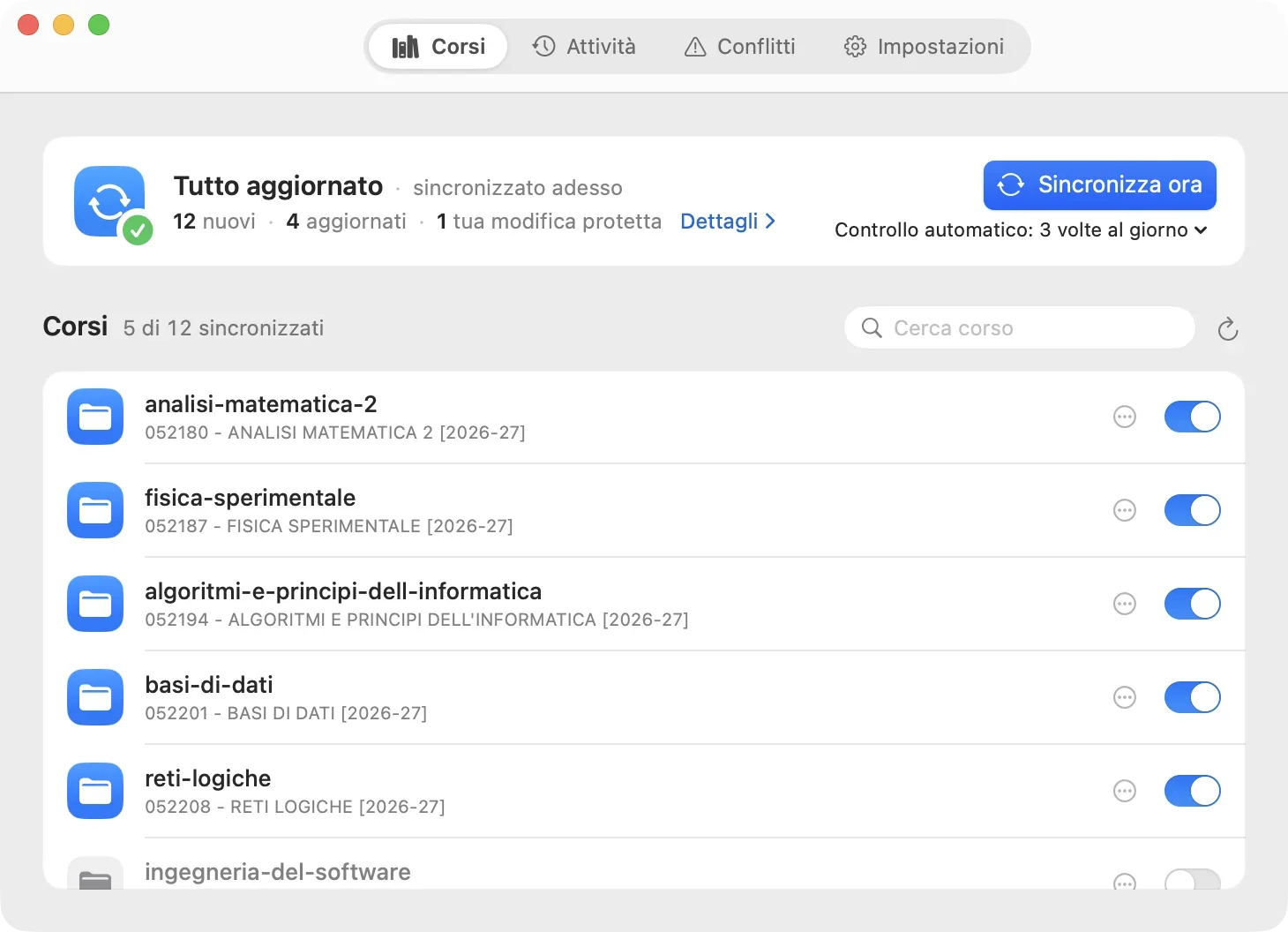
Three-Way Sync
For every file, BeepBar compares three versions: the one it last downloaded, the current local copy, and the current remote copy. That state lives in a local SQLite database.
- If only the remote file changed, the update is downloaded.
- If only the local file changed, your edit is kept.
- If both changed, the file appears under Conflicts, and you choose what to keep.
Downloads go to a staging area first and are moved into place atomically, so an interrupted sync never leaves a half-written file behind.
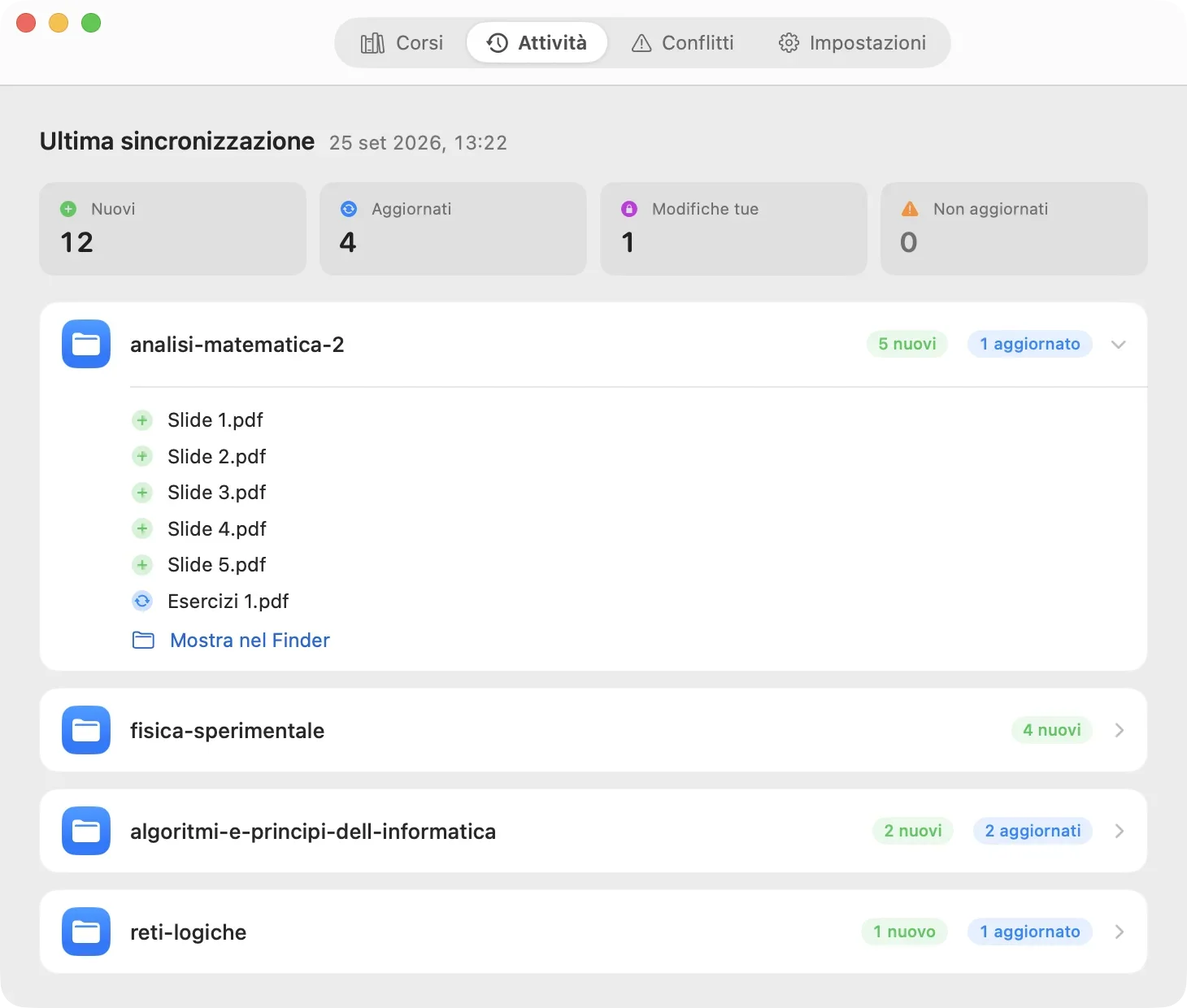
Native and Lightweight
BeepBar is written in Swift with no bundled runtime. In a preliminary measurement of the Release build, it stayed around 14–15 MiB of memory with effectively idle CPU use over 30 minutes. Sign-in happens in the browser, and updates are opt-in and delivered through Sparkle against a signed appcast.
The app's interface is in Italian; WeBeep is the Moodle-based platform of Politecnico di Milano, where I study.